


Description
Download edjing APK – Social DJ App, Music Mixer, Android DJ Tool, Pocket Mixer, Streaming DJ
Overview
edjing is a social DJ application designed for Android devices, transforming smartphones and tablets into full-featured mixing stations. The app enables users to blend music from their local storage as well as streaming platforms like Deezer and SoundCloud. It is ideal for aspiring DJs, music enthusiasts, and mobile performers seeking a portable solution for live mixing. The app’s core purpose is to democratize DJing by providing professional-grade tools in a mobile-friendly format. Whether used for casual parties, personal practice, or social sharing, edjing supports real-time music blending with effects, cue points, and transition automation. Its interface mimics a traditional mixing console, offering a tactile experience despite the touchscreen format. The app is particularly suited for users who want to experiment with DJing without investing in expensive hardware. While the developer did not provide additional background information, the app’s frequent updates suggest active maintenance and community engagement. Real-world usage scenarios include mobile DJ sets at gatherings, on-the-go music curation, and creative remixing for social media content. The ability to save mixes and share them via Facebook adds a social dimension, enhancing user engagement.
Key Features & Capabilities
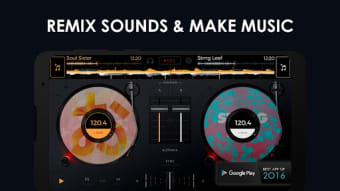
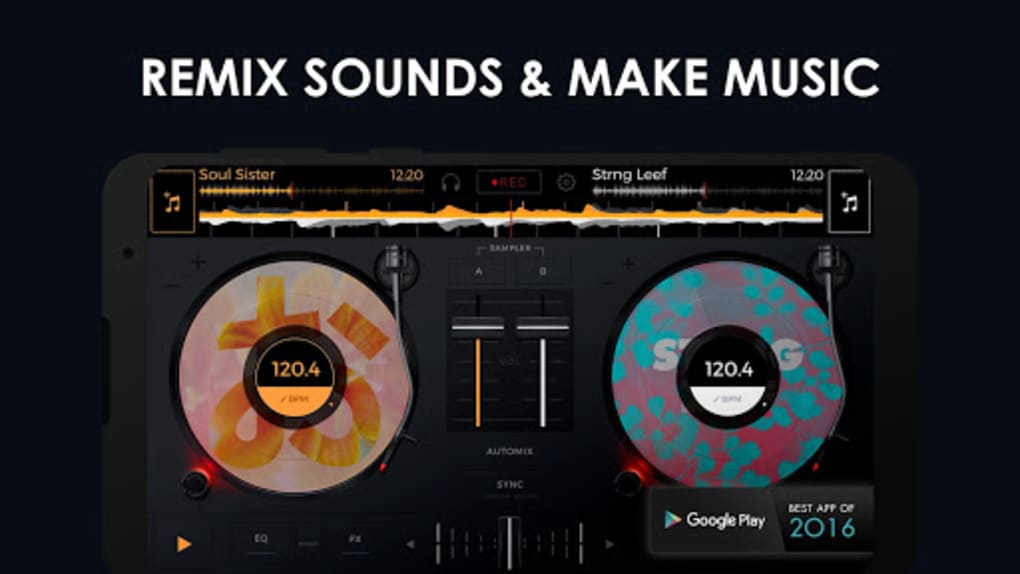
- Two Turntables and Mixer Interface: Simulates a real DJ console with two independent turntables and a built-in mixer, allowing seamless blending of tracks.
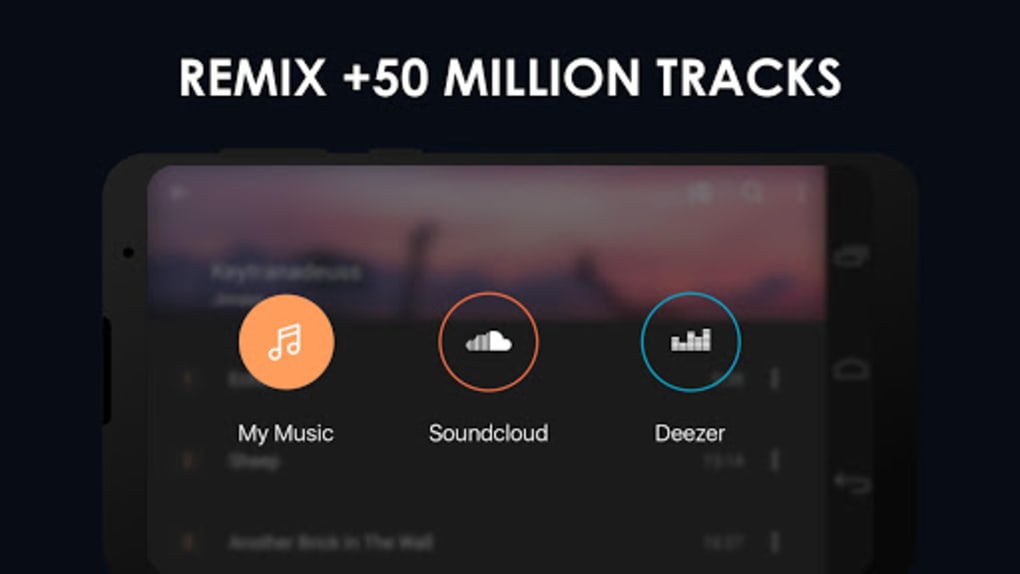
- Streaming Integration: Supports music from Deezer and SoundCloud, enabling access to vast libraries without relying solely on local files.
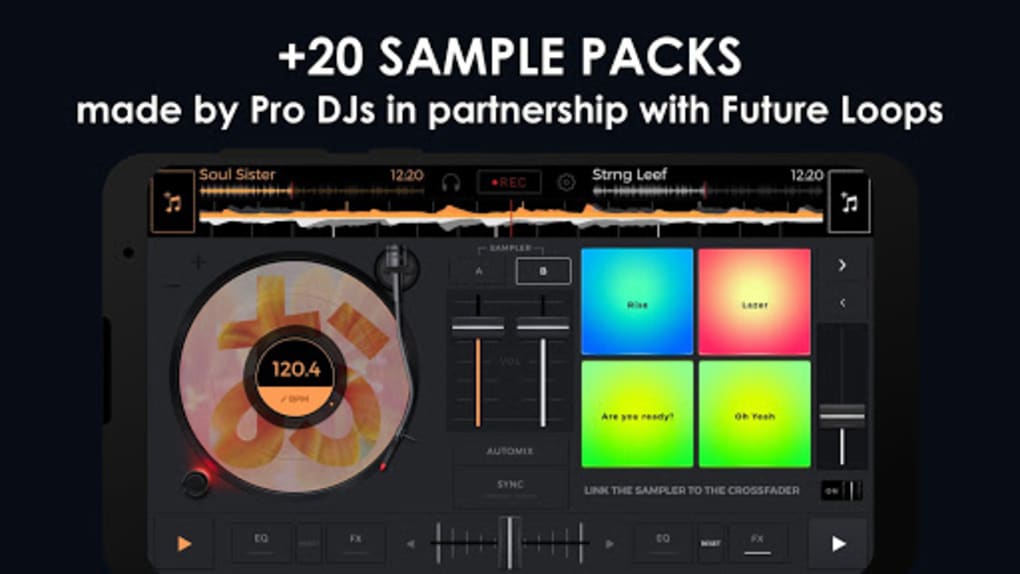
- Advanced Effects Suite: Includes scratch, flanger, echo, loop, pitch control, equalizer, and cue points for precise mixing and creative expression.
- Automix Feature: Offers automated transitions between songs, ideal for beginners or quick setups where manual control isn’t required.
- Save and Share Mixes: Users can record up to an hour of mixes and share them on social platforms like Facebook.
- Additional Effects via In-App Purchases: Advanced tools such as reverse, double flipping, and auto scratch are available for purchase.
- Intuitive Song Addition: Songs can be added via buttons beside turntables or by tapping the turntable graphics directly.
These features make edjing suitable for both casual users and those exploring DJing as a creative pursuit. The integration of streaming services expands access to music, though users should monitor data usage when not on Wi-Fi. The Automix function lowers the barrier to entry, while the full suite of manual controls ensures depth for experienced users. The ability to save and share mixes encourages content creation and social interaction, making the app more than just a tool—it’s a platform for expression.
User Interface, Workflow & Performance
The edjing interface is designed to resemble a physical DJ mixer, featuring two turntables, a mixer section, and effect controls. The layout is clean and logically organized, with essential functions placed within easy reach. Navigation is straightforward, relying on touch gestures and button taps, which aligns with Android’s standard interaction model. The app’s responsiveness appears consistent across devices, though exact performance details were not specified. The touchscreen controls are calibrated for usability on smaller screens, with large touch targets to reduce accidental inputs. Workflow efficiency is enhanced by direct access to song selection, effect activation, and cue point placement. Users can quickly load tracks and apply effects without navigating through multiple menus. The app maintains stability during extended mixing sessions, though real-world performance may vary depending on device hardware. The developer did not specify resource usage details, so CPU and RAM behavior remain unconfirmed. General software behavior patterns suggest efficient operation on mid-to-high-end Android devices, but performance on older hardware may be limited.
Compatibility & System Requirements
edjing is designed for Android devices and is available as an APK file for installation. The app supports a range of Android versions, though the specific version requirements were not listed. Installation size is not specified, but the app includes multimedia processing features, suggesting moderate storage usage. The developer did not provide exact system requirements, including minimum RAM, CPU, or storage needs. Compatibility information is limited to the platform (Android) and the availability of the APK format. Users should ensure their device runs a supported Android version and has sufficient storage for both the app and music files. For optimal performance, devices with higher processing power and screen resolution are recommended. The app supports both smartphones and tablets, allowing flexibility in setup—whether using a pocket mixer or a larger tablet for a more stable interface.
Pros and Cons
Pros
- Transforms Android devices into full-featured DJ mixers
- Supports local music and streaming from Deezer and SoundCloud
- Intuitive interface mimics real mixing consoles
- Includes advanced effects and automation features
- Allows saving and sharing mixes via social platforms
- Frequent updates indicate ongoing development and support
Cons
- Additional effects require in-app purchases
- Data usage can be high when streaming over mobile networks
- No detailed system requirements provided
- Performance may vary on older or low-end devices
- APK installation requires enabling unknown sources
FAQ Section
Is edjing compatible with all Android devices?
edjing is designed for Android devices, but the developer did not specify exact compatibility requirements. Users should ensure their device runs a supported Android version and has sufficient storage and processing power.
Is edjing safe to download as an APK?
edjing is available as an APK file, which is a standard Android package format. As with any third-party app, users should download from trusted sources and verify the app’s authenticity to avoid security risks.
Can I use edjing without an internet connection?
Yes, edjing can function offline using music stored locally on your device. However, streaming features from Deezer and SoundCloud require an active internet connection.
Are there any in-app purchases in edjing?
Yes, additional effects such as reverse, double flipping, and auto scratch are available through in-app purchases. These enhance the app’s creative capabilities but are not included in the base version.
How often does edjing receive updates?
edjing receives regular updates, with recent versions including graphic optimizations, bug fixes, and performance improvements. This suggests ongoing development and user support.
Final Thoughts + CTA
edjing stands out as a versatile and accessible DJ tool for Android users. Its combination of a realistic interface, streaming integration, and creative effects makes it a strong choice for both beginners and intermediate DJs. The ability to save and share mixes adds a social layer, turning casual mixing into a form of content creation. While the lack of detailed system requirements and the need for in-app purchases for advanced features are minor drawbacks, the app’s overall functionality and frequent updates justify its position in the mobile DJ market. For music lovers and aspiring DJs looking for a portable, feature-rich solution, edjing delivers on its promise. Download edjing now and start mixing music anywhere, anytime.
Guides & Tutorials for edjing APK
How to install edjing APK
- Click the Preview / Download button above.
- Once redirected, accept the terms and click Install.
- Wait for the edjing APK download to finish on your device.
How to use edjing APK
This software is primarily used for its core features described above. Open the app after installation to explore its capabilities.
User Reviews for edjing APK 0
No reviews found





